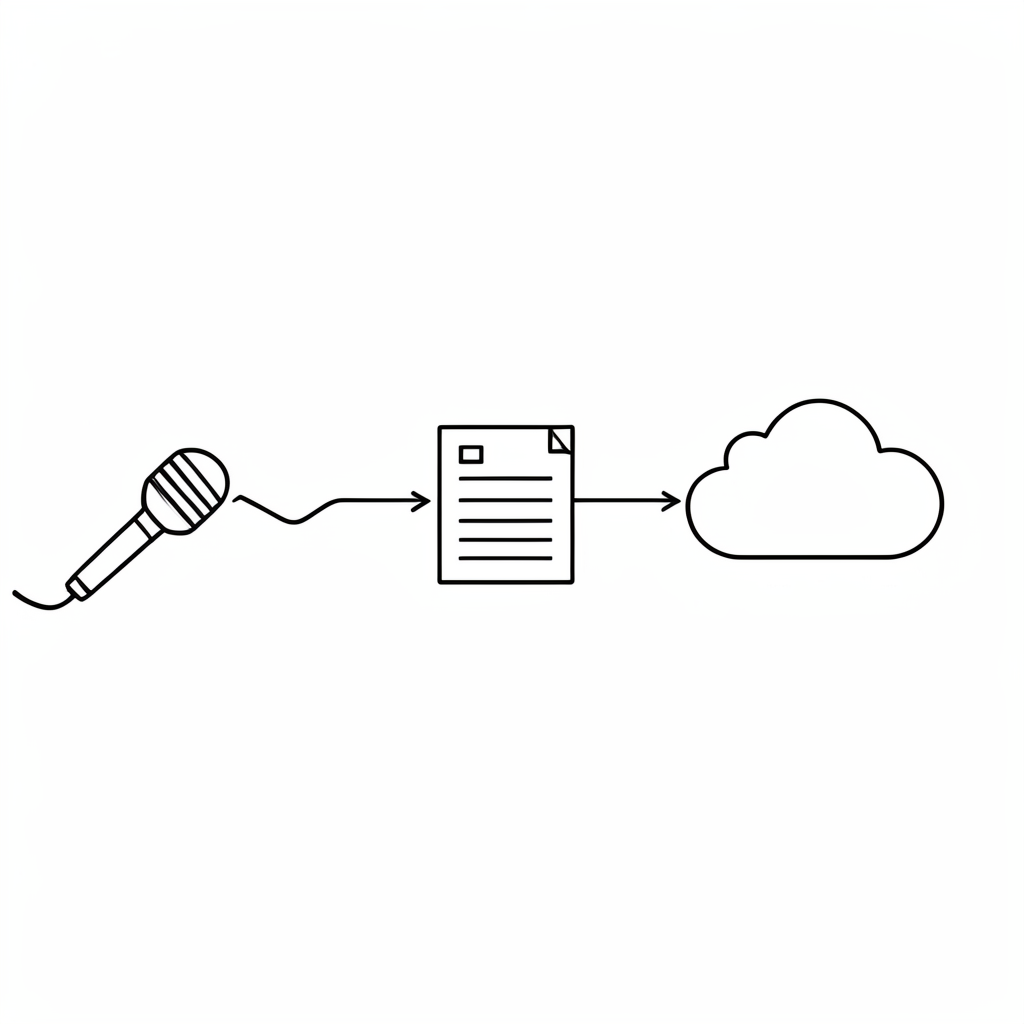
Every professional knowledge worker has experienced the quiet drain of manual data entry. After a lengthy deposition, a complex medical consultation, or a board strategy session, the immediate task is often to copy the transcript and paste it into a database. This friction compounds quickly. Earlier research in organizational psychology showed that repetitive manual routing reduces cognitive bandwidth and increases error rates. For attorneys, physicians, and executives, this delay is not merely inconvenient. It creates liability, erodes operational margin, and traps critical insights in isolated files. When information cannot move freely, decision-making slows. The relative cost of this friction becomes visible in missed deadlines, duplicated research, and compliance gaps. Addressing this bottleneck requires a shift in how audio output is treated within professional workflows.
The Silent Killer of Professional Productivity: Data Friction
Manual transcription routing consumes hours that belong to high-value analysis. A single hour spent formatting text, verifying speaker labels, or searching through unstructured notes represents an hour removed from case strategy, patient care planning, or capital allocation. These delays accumulate. Later in the quarter, the cumulative effect appears as reduced throughput and increased administrative overhead. Regulated environments cannot absorb this kind of inefficiency. Compliance audits demand traceable records. Clinical protocols require precise documentation. Financial reporting depends on accurate meeting minutes. When text moves through human hands instead of automated pipelines, the risk of omission or misplacement rises. Eliminating manual entry is not a luxury. It is a structural requirement for modern knowledge work.
Turn Voice into Vault: Automating Knowledge Capture for Regulated Pros

Transcription has evolved from a final deliverable into a primary data trigger. The modern workflow treats audio capture as the starting point for a larger system. Speech-to-text workflow automation routes processed text directly into the applications where decisions are made. This approach ensures that every deposition, diagnostic note, and board minute lands in the correct repository before the meeting concludes. The architecture relies on consistent field mapping, automated tagging, and secure routing protocols. Automating board meeting documentation demonstrates how structured outputs replace manual note-taking. When the system handles the routing, professionals can focus on interpretation rather than formatting. The result is a knowledge base that updates itself, remains searchable, and maintains an audit trail from the original audio file to the final record.
Beyond the Transcript: Your Audio is a Data Feed, Not a Document
Raw text files serve a limited purpose. They are static, difficult to filter, and hard to connect to other systems. Treating audio output as a structured data feed changes how information functions. When transcripts are parsed into fields, tags, and metadata, they become actionable inputs. This shift enables automated search indexing, conditional routing, and cross-platform synchronization. Transcribing interviews with structured extraction shows how raw speech converts into searchable records. A technical professional can route clinical notes to a patient history database, while a researcher can push case law summaries into a knowledge graph. The relative advantage becomes clear: structured data feeds trigger actions, while plain text files only require storage. Activating this pipeline transforms speech into a continuous intelligence stream that supports strategy, compliance, and operational efficiency.
The “Speech-to-text workflow automation” Blueprint for Zero-Loss Intelligence

Top performers rely on a consistent architecture that eliminates manual handoffs. The blueprint begins with ingestion, where audio or video files are uploaded and processed through a compliance-grade engine. The next stage applies structural parsing, extracting speaker labels, timestamps, and contextual metadata. From there, the system routes the output through a routing layer that maps fields to the target application. Finally, the destination system receives the data in a standardized format, ready for indexing or immediate review. This flow maintains data integrity at every step. Transcription accuracy in legal documentation remains the foundation of this architecture, because downstream automation depends on upstream precision. The blueprint ensures that no information degrades during transfer. Security tokens verify each hop. Audit logs record every action. Professionals can focus on strategy while the system handles the mechanical routing without a single slip-up.
Zapier: The Bridge Between Your Voice and Your Business Brain
Zapier connects your transcription output to your target applications through pre-built triggers and actions. The setup requires only a few configuration steps, and it operates without custom development. Here is how to route transcripts and apply processing functions within the platform:
- Step 1: Set the Trigger. Create a new Zap and select the webhook or native app integration for your transcription service. Configure the endpoint to listen for completed transcript events. When a file finishes processing, the system sends a payload containing the download link, metadata, and raw text.
- Step 2: Route to the Processing Action. In the next step, select the transcript processing module. This is where you apply structured transformations before the data reaches your destination. The interface presents a menu of available functions. Choose Summarize to generate a structural overview of the recording. Select Translate if the content requires conversion to another language for multilingual teams. Use Speaker Identification to annotate each line with the correct participant name, which is essential for legal and clinical records.
- Step 3: Apply Quality Controls. Add a Cleanup action to standardize punctuation and capitalization. This step removes transcription artifacts and ensures consistent formatting across your knowledge base. If the content requires regulatory alignment, apply Fix Compliance to rewrite sensitive phrasing into professional, policy-compliant language.
- Step 4: Extract Structured Output. For database routing, use Extract Keypoints to isolate discussion themes, action items, and decision markers. If your target system requires tabular data, select Extract CSV to convert the transcript into structured rows and columns. This format maps cleanly into Notion databases, CRM fields, or research repositories.
- Step 5: Route to the Destination. Connect the final action to your target application. Map the extracted fields to the corresponding database columns or CRM attributes. Test the connection with a sample file, then activate the Zap. The pipeline will now process future uploads automatically, depositing text directly into your system without manual intervention.
This configuration creates a zero-code pipeline that handles routing, formatting, and field mapping. The blue interface of the Zapier editor keeps the workflow visible, while the red status indicators highlight errors before they reach production. Later adjustments to field mappings or trigger conditions can be made without rebuilding the entire sequence.
Notion, Obsidian, CRM: Where Your Transcripts Actually Belong

Different knowledge bases require different routing logic. Notion excels at database-driven research, making it ideal for legal teams and policy analysts. Route structured transcripts into Notion databases with properties for case type, jurisdiction, and decision date. The yellow-highlighted tags in your workflow can automatically categorize incoming records. Obsidian serves researchers and clinicians who need linked, bidirectional notes. Sync patient history or interview transcripts into an Obsidian vault, where metadata fields connect related records and enable rapid cross-referencing. CRM platforms like Salesforce or HubSpot require deal-focused routing. Map transcript metadata to contact records, update deal stages based on meeting outcomes, and attach compliance-ready summaries to client files. Medical transcription compliance standards apply directly to CRM routing, ensuring that sensitive data remains restricted to authorized users. Field mapping determines which attributes travel with each record. Automation rules determine when updates trigger notifications or task assignments. The relative complexity of each stack dictates the routing depth, but the underlying logic remains consistent: ingest, structure, route, index.
Compliance, Security, and Speed: The Trinity of Enterprise Transcription
High-volume knowledge workers operate under strict regulatory frameworks. Data breaches, accuracy slippage, or unverified routing protocols introduce unacceptable risk. The automation pipeline must meet HIPAA, GDPR, and financial reporting standards from the moment of upload. Encryption in transit and at rest protects files during processing. Data residency controls ensure that records remain within approved geographic boundaries. Audit trails log every access point, field mapping change, and routing event. Legal admissibility of automated transcripts depends on consistent chain-of-custody documentation, which the automation layer preserves automatically. Accuracy guarantees are verified through continuous model calibration and human-in-the-loop review options for high-risk content. Speed does not compromise security when the architecture is designed for compliance from the first line of code. The relative trade-off between rapid deployment and regulatory rigor disappears when the system is built for both.
Stop Copy-Pasting. Start Automating.

Data friction drains time, increases error rates, and isolates critical information. The alternative is a structured pipeline that routes transcription output directly into the systems where decisions happen. By treating audio as a data feed rather than a static document, professionals unlock searchable, taggable, and actionable intelligence. The architecture relies on consistent field mapping, automated routing, and compliance-grade security. Zapier bridges the gap between processing and destination, handling summarization, translation, speaker annotation, cleanup, compliance rewriting, and structured extraction without custom development. Notion, Obsidian, and CRM platforms receive the right data in the right format, ready for indexing or immediate review. The conclusion is straightforward: manual entry belongs in the past. Upload your first file to speech-to-text.cloud today and observe how an integrated, automated knowledge ecosystem operates while you focus on strategy, compliance, and high-value work.